Run it locally.
OpenGlassUI runs alongside your coding agents on your computer or server.
 OPENGLASSUI / DEMO
OPEN SOURCE · EXPERIMENTAL
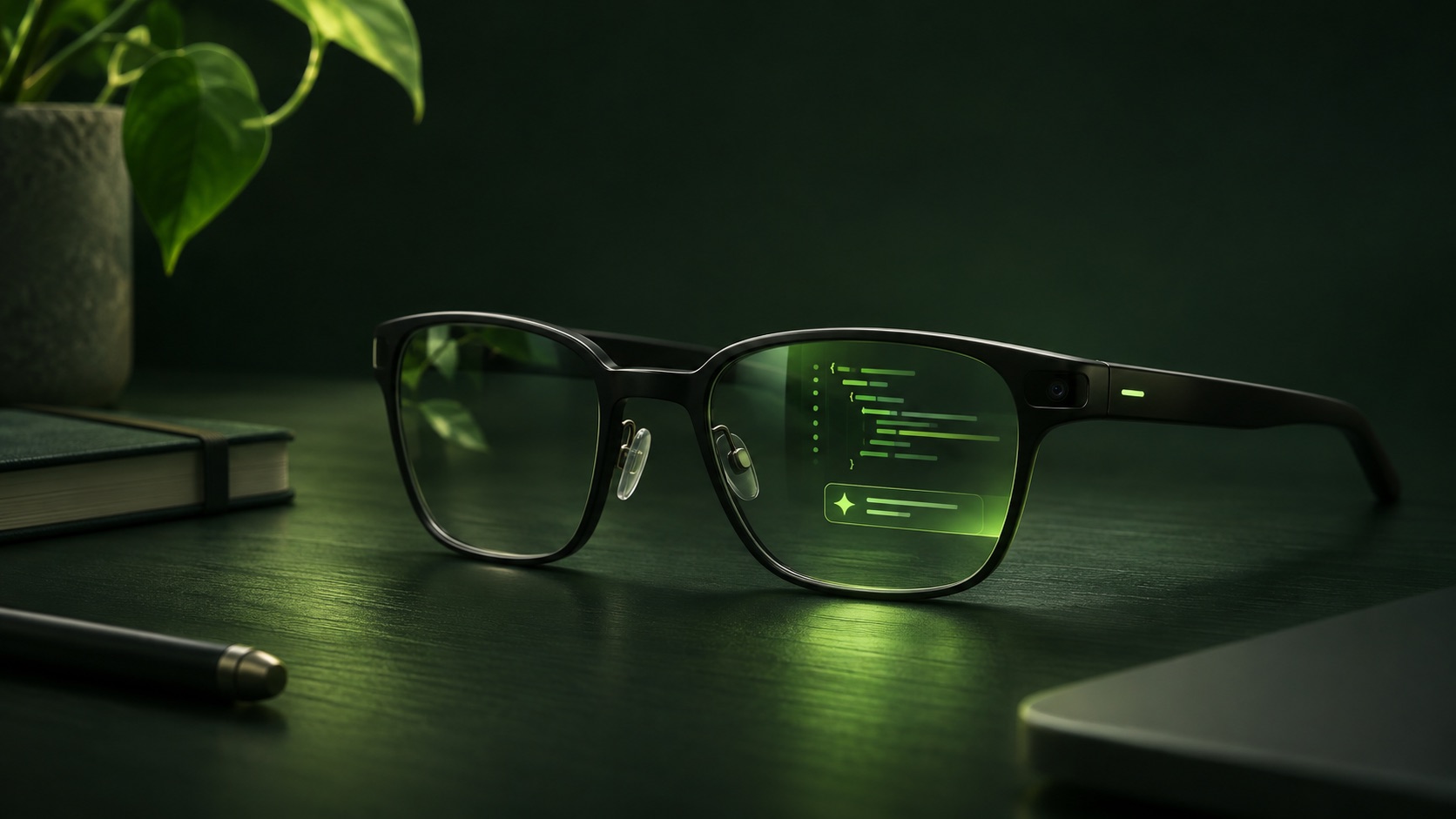
Use gestures and voice to follow coding agents on your wearable. Connect Codex, Claude Code, Kiro, OpenCode or a compatible ACP agent through your own computer or server.
Browser demo only: this website is not the installable glasses app. It uses fictional data and cannot connect to your agents. Use the QR code generated by the local companion to install the real app.
01 / INTERACTIVE PREVIEW
Explore a small, simulated glasses view. Choose an agent and respond to its example request.
SIMULATION MODE
Switch between example agents, follow their progress, and make a decision without leaving the display.
BAND GESTURES
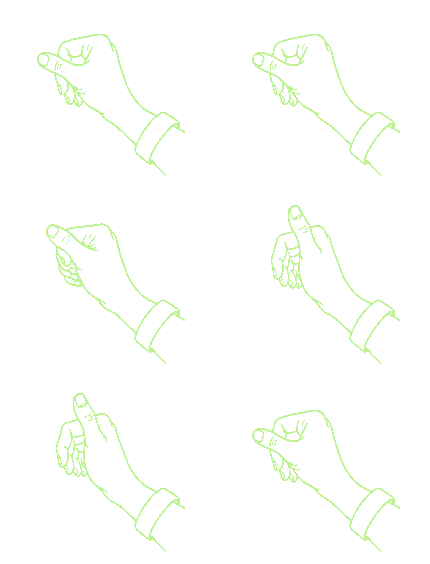 SwipeNavigate up or down
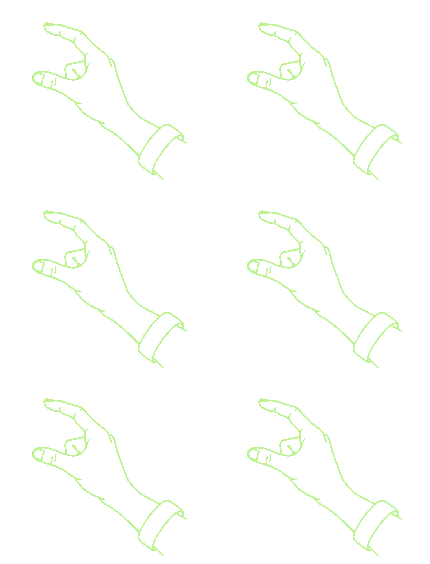 SelectIndex finger + thumb
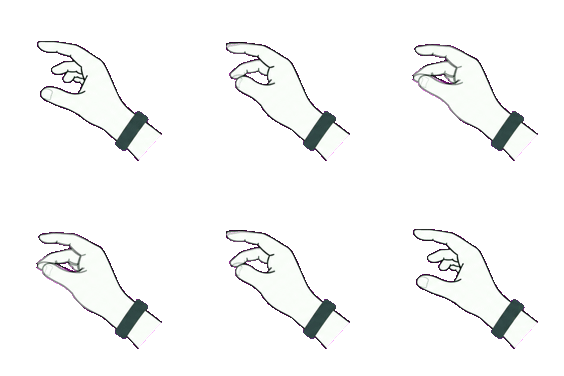 BackMiddle finger + thumb
Gesture illustrations are examples. Device behavior may vary.
Demo controls use your browser only. Real device behavior and wristband gestures require hardware testing.
KEYBOARD: ↑ / ↓, ENTER, ESC · BAND: SWIPE, INDEX + THUMB TO SELECT, MIDDLE + THUMB TO GO BACK
02 / CONTROL CENTER PREVIEW
Explore the real dashboard interface using fictional, browser-only data. No agent, tunnel or device is connected.
02 / THE IDEA
Keep the agents where they already work. Bring the control surface closer to you.
OpenGlassUI runs alongside your coding agents on your computer or server.
Use a supported public HTTPS tunnel, then pair using a QR code.
Explore tasks and decisions in an experimental glasses interface with voice and gesture support under development.
OPENGLASSUI / OPEN SOURCE
Explore the code, installation instructions, architecture and current limitations.
Self-hosted, with no OpenGlassUI-operated analytics. How data and connections work →
Explore the repository ↗